ReiBoot
ReiBoot is a Tenorshare utility for Windows that puts an iPhone or iPad into or out of recovery mode and repairs common iOS system problems.
69.7 MB

DriverPack Solution is a free Windows tool by Artur Kuzyakov that detects missing or outdated drivers and installs them from its own driver collection.
Average 0.0 · ratings: 0
Thank you! Your rating is saved; you can change it. Could not save the rating. Please try again later. Too many ratings from your network today. Please try again tomorrow. The average appears after 5 ratings.
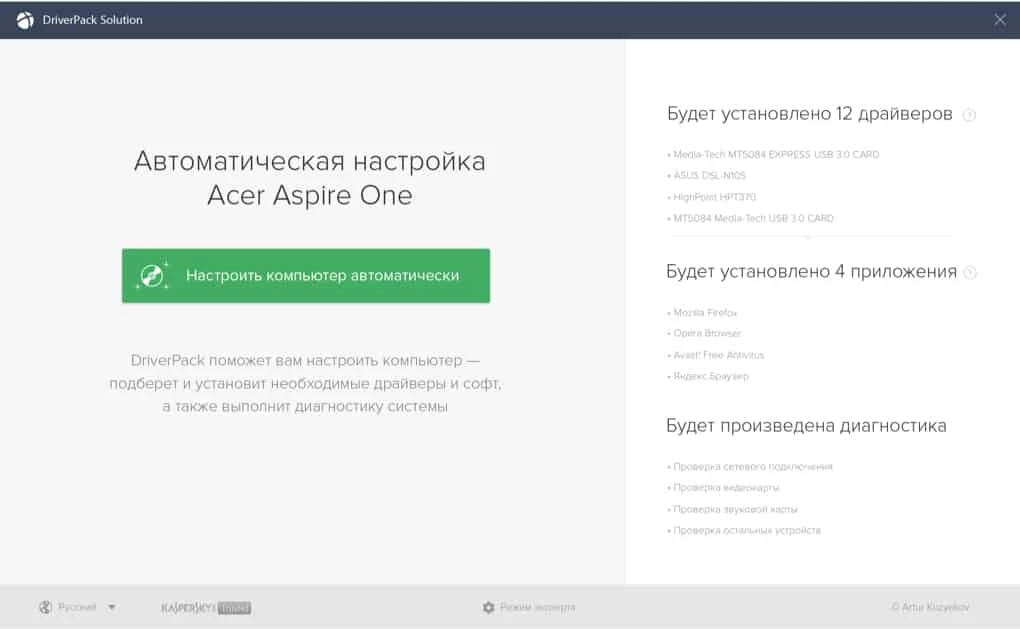
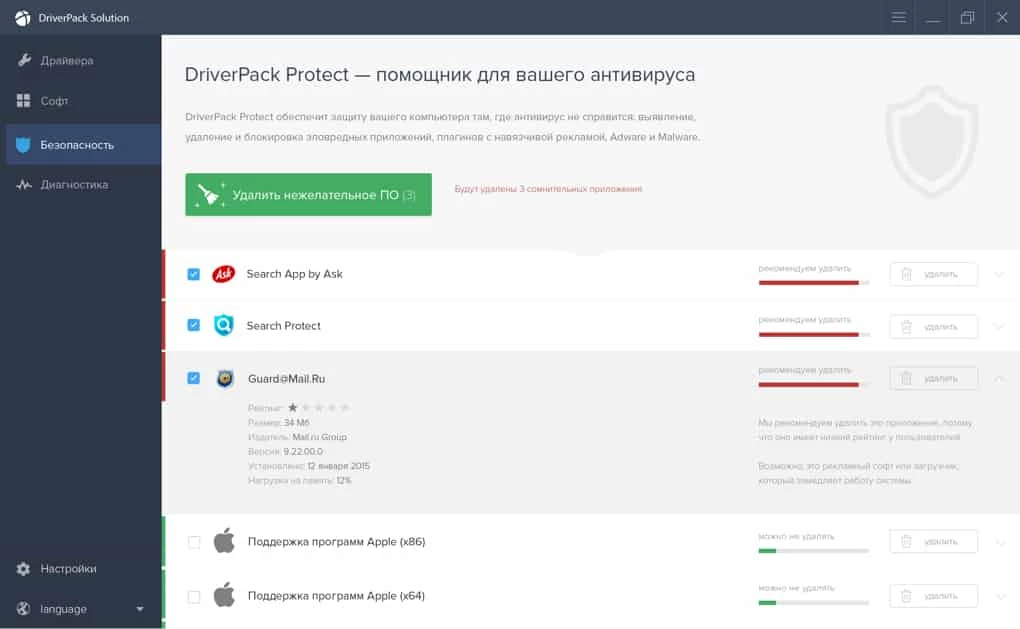
DriverPack Solution 17.10.14-25091 is a free Windows program by Artur Kuzyakov that finds missing or outdated device drivers and installs them automatically. It is popular for freshly installed systems where the network card, graphics or sound do not work yet. You can download DriverPack Solution for Windows from the official site, drp.su.
After a clean Windows installation, many PCs lack at least one driver, and without a network driver you cannot even go online to fetch the rest. DriverPack addresses exactly that situation. The program scans the hardware, compares it with its driver database and offers to install everything that is missing or out of date in one go. The large package in the catalogue suggests a build that carries drivers with it, which is handy on a machine without internet access; a smaller online installer downloads only what it needs. Technicians who set up many different computers like this approach because it saves hunting through manufacturer websites. For a single home PC, the manufacturer's own drivers remain the more predictable choice, particularly for graphics cards and laptops with special hardware.
Automatic driver tools can install a driver that is newer but less suitable than the one your laptop maker tested, and free tools of this kind often try to install extra software along the way. Read each installer screen instead of clicking Next repeatedly. If something breaks after an update, roll back the driver in Device Manager or return to your restore point.
DriverPack is most useful for people who reinstall Windows often or look after several different computers: repair shops, school IT staff, the family member everyone calls for help. If you only need one or two drivers for a known laptop model, the support page of the laptop maker is quicker and carries drivers tested for that exact device.
Similar tools in our listings are Driver Easy, DriverMax and Advanced Driver Updater; Bluetooth Driver Installer handles only Bluetooth adapters. For NVIDIA graphics, the NVIDIA Control Panel works alongside the official driver package.
ReiBoot is a Tenorshare utility for Windows that puts an iPhone or iPad into or out of recovery mode and repairs common iOS system problems.
DirectX 9.0c is an older version of Microsoft's multimedia and graphics APIs that many classic Windows games still need to run.
DirectX 10 is a version of Microsoft's multimedia and graphics API that comes with Windows; older games may also need the DirectX End-User Runtime.

3uTools is a free Windows program for managing an iPhone or iPad from a PC, including files and device information.

Huawei HiSuite is Huawei's official PC suite for Windows and macOS for backing up, managing and updating Huawei phones and tablets.
DirectX 11 is a version of Microsoft's collection of multimedia and graphics APIs that Windows games and apps use to work with the graphics card and sound.
DirectX 12 is Microsoft's graphics and multimedia API for Windows. It is part of the system and updated through Windows Update and graphics drivers.

SamFirm is a free Windows tool that downloads and decrypts official Samsung firmware from Samsung's own update servers by model and region.